


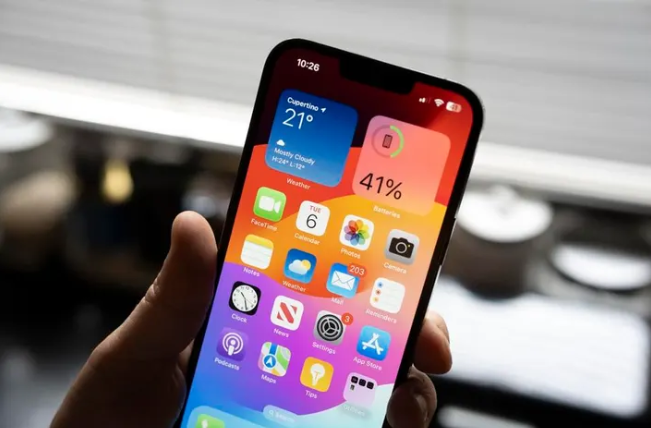
If you’ve recently opened your iPhone’s Notes app to find your carefully curated collection of notes mysteriously absent, you’re not alone. Many users have encountered a frustrating bug that temporarily hides notes from view. While it might seem alarming, rest assured that your data hasn’t been permanently erased.
Understanding the Culprit
Apple has acknowledged a temporary sync issue with iCloud Notes that can lead to this perplexing disappearance. This typically occurs when there’s a disruption in the iCloud sync process, often due to network connectivity problems or software glitches.
Reclaiming Your Lost Notes
Here’s a step-by-step guide to restore your notes:
Check iCloud Sync Settings:
- Navigate to Settings > [Your Name] > iCloud.
- Ensure that Notes is toggled On. If it’s off, toggle it on, and then toggle it off again to force a refresh.
Restart Your Device:
- A simple restart can often resolve minor glitches and refresh the system.
Force Quit the Notes App:
- Double-click the Home button (or swipe up from the bottom on newer iPhones) to access the app switcher.
- Swipe up on the Notes app to force quit it.
Update iOS:
- Keep your device running the latest iOS version. Software updates frequently include bug fixes and performance improvements.
- If these steps fail to restore your notes, you may need to seek further assistance from Apple Support.
Prevention is Key: Best Practices for Note-Taking
While this particular bug is relatively isolated, there are preventive measures you can take to safeguard your notes:
Regularly Back Up Your Device:
- Utilize iCloud or iTunes to create frequent backups of your device. This ensures you have a recent copy of your data in case of unexpected issues.
Keep Your Software Updated:
- Stay current with the latest iOS version to benefit from bug fixes and security enhancements.
Monitor iCloud Storage:
- Ensure you have sufficient iCloud storage to accommodate your notes and other data. If you’re running low, consider upgrading your storage plan.
- Remember, technology can sometimes be temperamental. By following these steps and best practices, you can minimize the risk of losing your valuable notes and maintain a seamless note-taking experience on your iPhone.
Have you encountered this Notes bug? Share your experience and any additional tips in the comments below.